Procurement: Raise and Release Purchase Requisitions by Chat


Who it helps
Buyers and procurement leads
Functions
Procurement
System
IFS Cloud
Mode
Ask First
What iVerse handles:
Finds requisitions by number, supplier or status
Prepares the release and shows the exact change
Writes to IFS Cloud only after you confirm
The Problem
Releasing a purchase requisition should take seconds, but in practice buyers have to know the right screen, search for the requisition, check its status and click through the release. New team members depend on colleagues or trainers to learn the route, and every extra step is a chance to act on the wrong record.
Our Solution
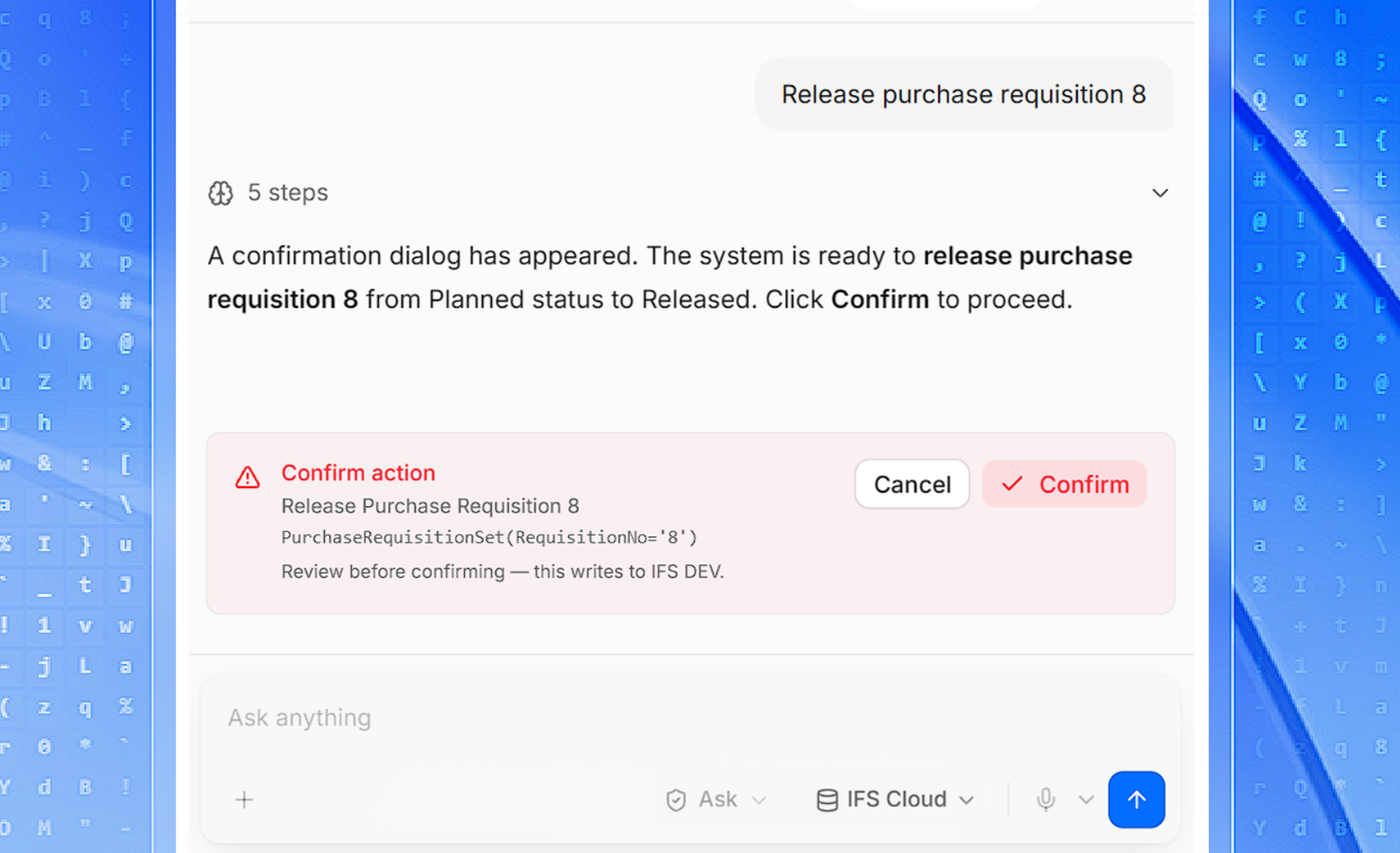
With iVerse, a buyer types the request in plain language. iVerse finds the requisition in IFS Cloud, checks that it can be released and prepares the change. A confirmation dialog shows exactly what will be written and to which environment. Nothing changes until the buyer clicks Confirm, and the result is reported back in the conversation.

The Outcome
Requisition releases become a single conversation instead of a navigation exercise. Buyers keep full control of every critical write through Ask First mode, and each request, approval and outcome is kept in secure audit logs for review.